mcpy

MCP tool server that compiles to a single binary. Web dashboard included. Zero runtime dependencies.

loading...
Install
curl -fsSL https://mcpy.app/install.sh | bash

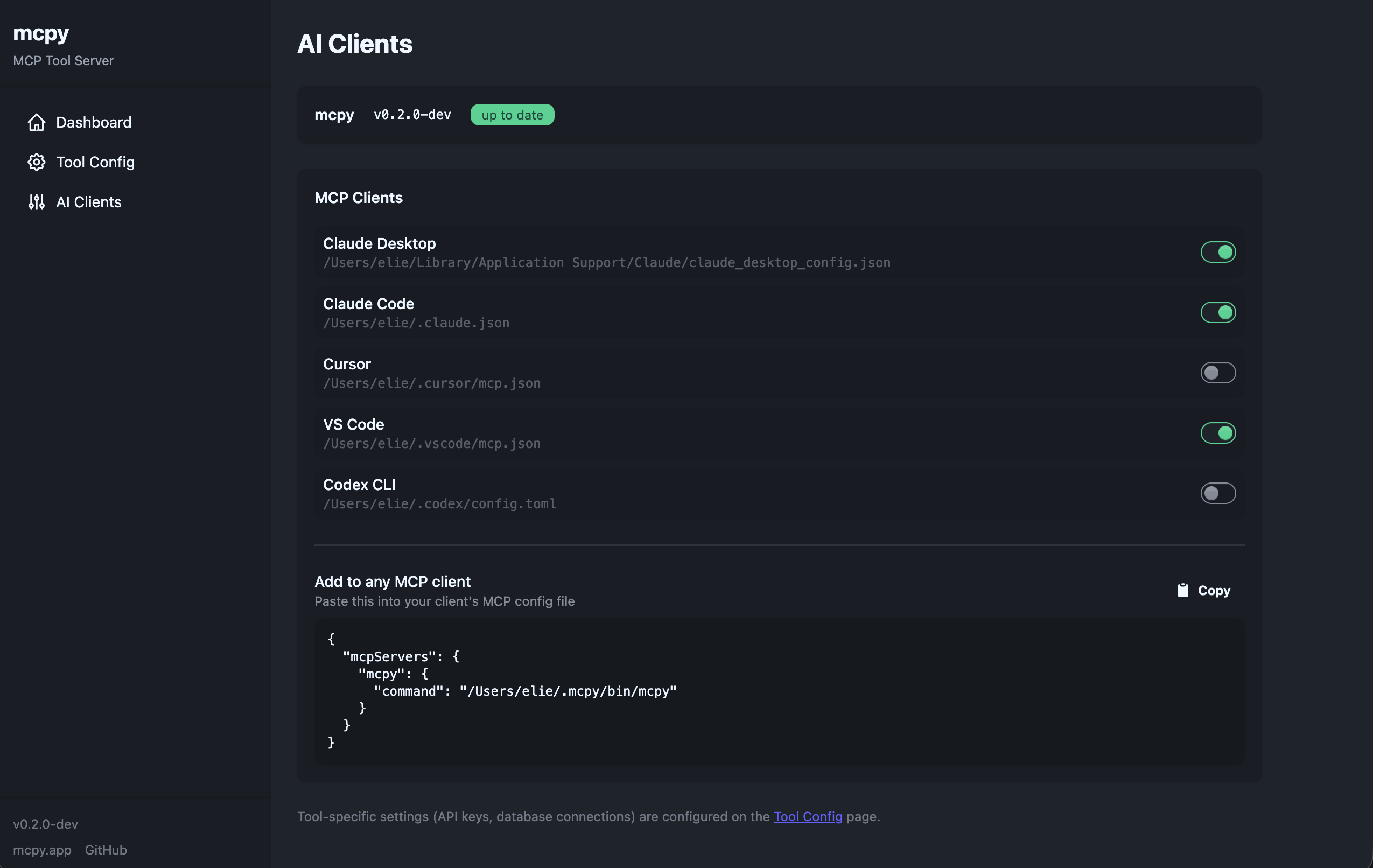
Downloads the binary, verifies SHA256 checksum, installs to ~/.mcpy/bin/mcpy, and registers with Claude Desktop and Claude Code automatically.

Single Binary

Compiles to ~60MB standalone executable. No Node.js, no Bun, no Python needed at runtime.

Web Dashboard

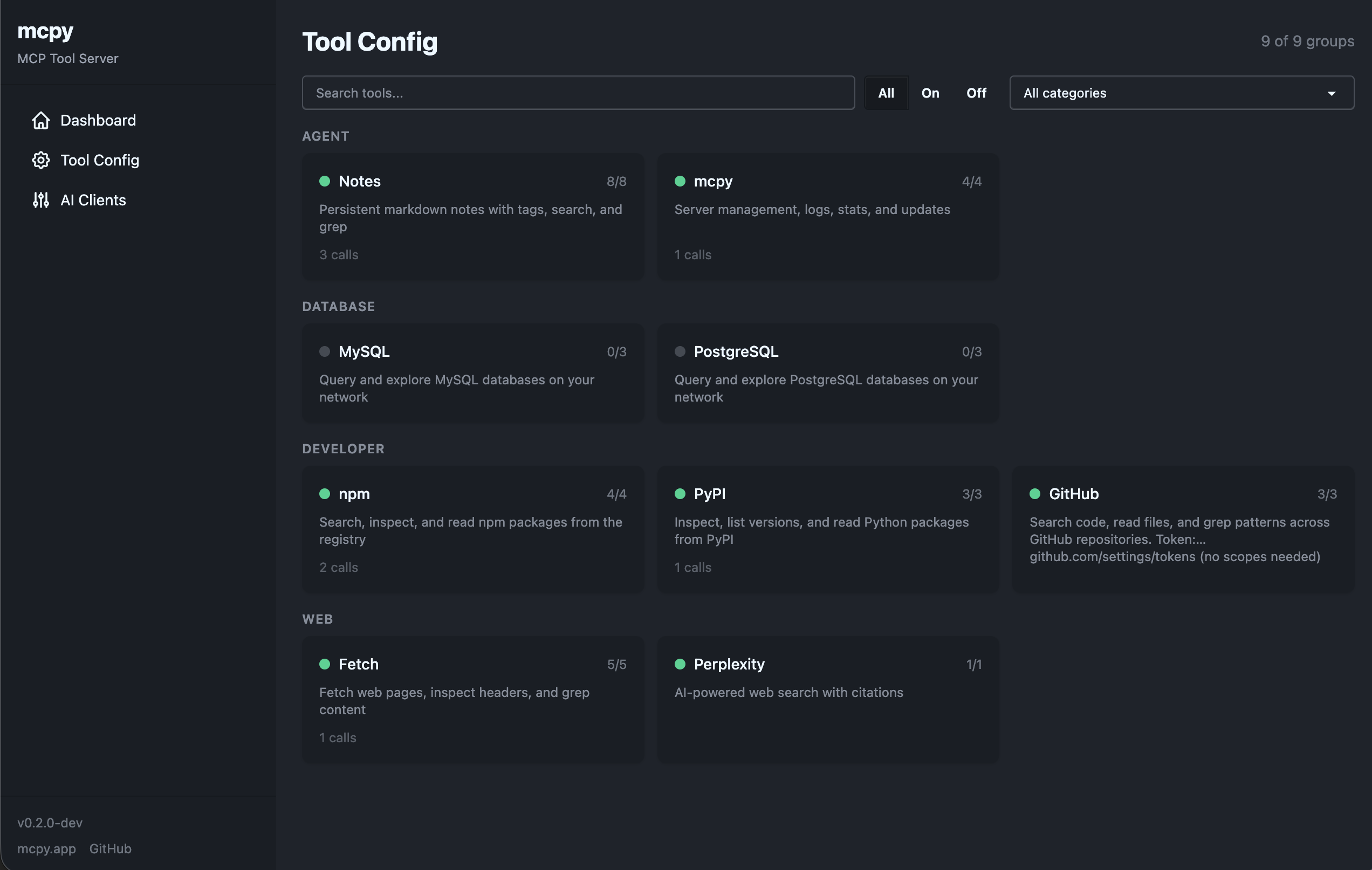
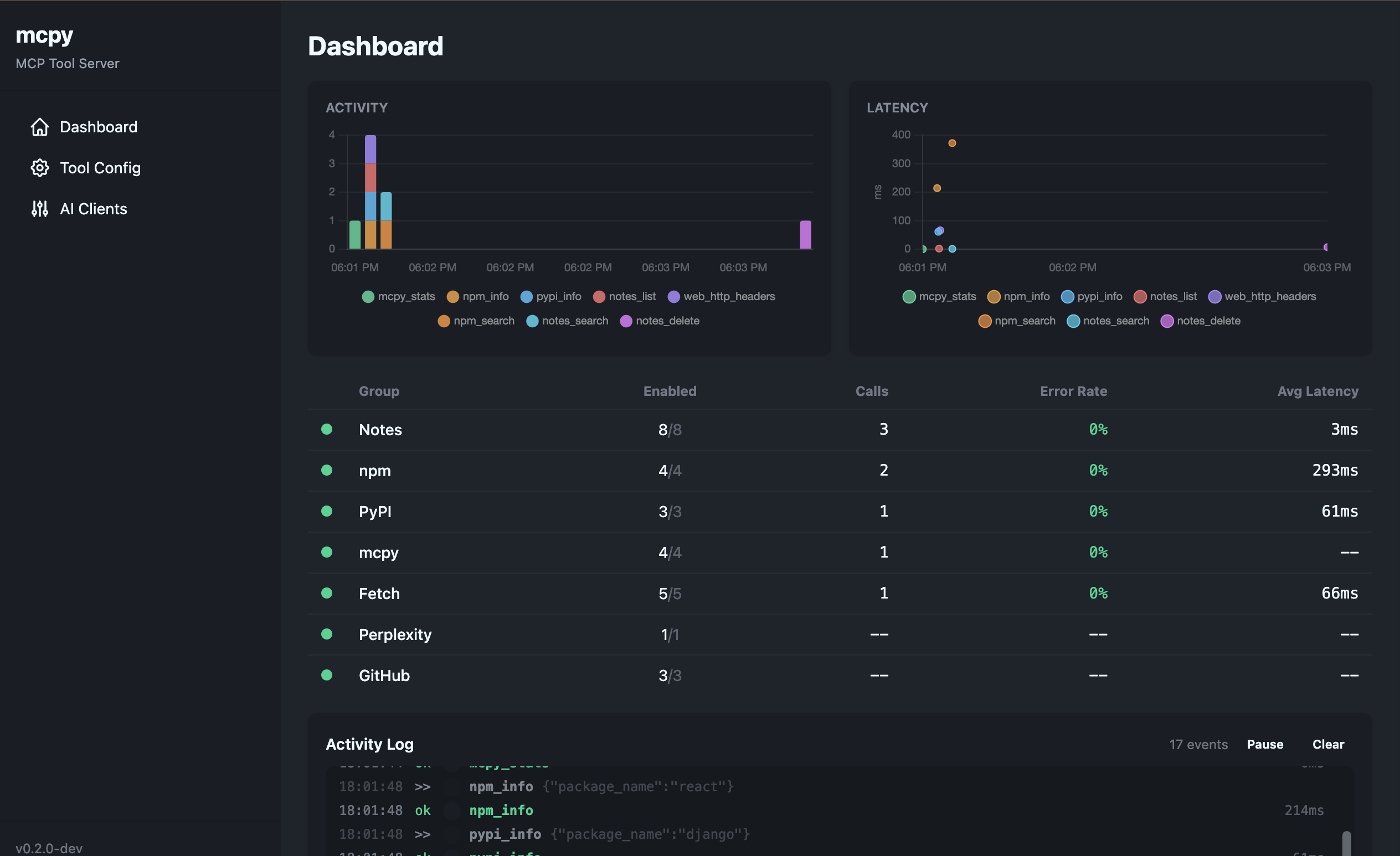
Built-in UI at localhost:3713. Enable/disable tools, configure API keys, monitor invocations live.

Auto-registers

One command sets up both Claude Desktop and Claude Code. No manual JSON editing.

Auto-Update

Run mcpy update or use the mcpy_update tool to stay current.

Tools

todo_listPersistent task trackingagent
memoryKey-value store across sessionsagent
mcpy_logRead server logsagent
mcpy_restartRestart server processagent
mcpy_statsRuntime statisticsagent
mcpy_updateCheck and install updatesagent
mysql_queryExecute SQL queriesdatabase
mysql_list_tablesList tables with row countsdatabase
mysql_describe_tableShow columns, indexes, foreign keysdatabase
postgres_queryExecute SQL queriesdatabase
postgres_list_tablesList tables with row estimatesdatabase
postgres_describe_tableShow columns, indexes, foreign keysdatabase
npm_infoLook up npm packagesdeveloper
pypi_infoLook up PyPI packagesdeveloper
web_fetchFetch and extract web page contentweb
http_headersInspect HTTP response headersweb
web_searchSearch via Perplexity AIremote

Manual Download